6 Best IPTV Players in June 2025 (TiviMate, IPTV Smarters & More)
As IPTV services grow in popularity, the quality of your viewing experience often comes down to one critical choice: the app player you use. Whether you’re streaming on a Firestick, Android TV, or Smart TV, choosing the right IPTV player can transform your setup from frustrating to seamless.
In this guide, we highlight the 6 best IPTV players for June 2025, with a focus on the newest features, compatibility, and pricing. Let’s dive in.
Table of Contents
🏆 1. IPTV Smarters Pro
Key Features:
- Support for Xtream Codes API, M3U URL, & local playlists
- Built-in VPN integration
- Catch-up TV, VOD categories, and parental controls
- Available on Android, iOS, Firestick, LG/Samsung Smart TVs
Pros:
- Polished interface
- Works across all major devices
- Freemium pricing model
Cons:
- Some advanced features require upgrade to Pro version
Official site: IPTVSmarters.com
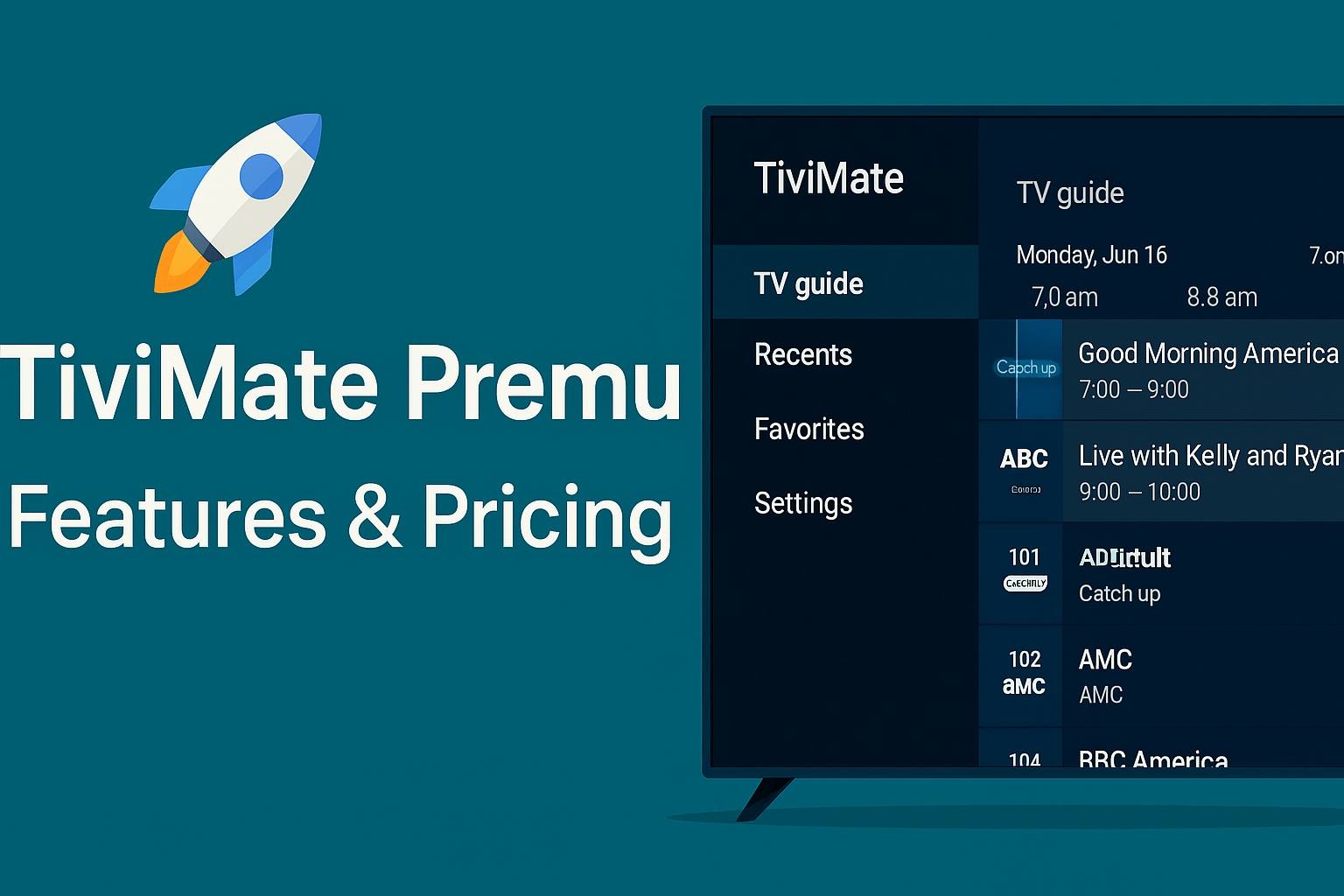
🥇 2. TiviMate IPTV Player
Key Features:
- Multi-playlist support
- NAS/SMB DVR & recordings
- Dropbox cloud sync for preferences
- Custom EPG, logos, and layout settings
Pros:
- Extremely smooth on Android TV & Firestick
- Sync across devices
- Premium lifetime license available
Cons:
- Android only (no iOS or Smart TV apps)
Learn more: TiviMate Official Page
🥈 3. Televizo IPTV Player
Key Features:
- Xtream Codes & M3U URL support
- Light, efficient layout
- Playback options, EPG support
Pros:
- Very responsive on older Android devices
- Simple UI for first-time IPTV users
Cons:
- No cloud sync or recording features
🏅 4. XCIPTV Player
Key Features:
- Beautiful dashboard layout
- Built-in VPN and speed tester
- VOD, Catch-up, EPG, M3U, and Xtream Codes support
Pros:
- Modern UI with grid-style channel browser
- Good for resellers using Xtream-based systems
Cons:
- Some instability on Smart TVs
📊 5. IBO Pro Player
Key Features:
- Auto-categorized layout
- Supports MAG-style navigation and remote
- Works with all IPTV formats
Pros:
- Great for advanced IPTV setups
- Fast buffering and channel load times
Cons:
- No free version
📺 6. SmartOne IPTV
Key Features:
- Smart TV app for LG and Samsung
- Simple setup with portal URL
- Good remote navigation controls
Pros:
- Designed for TV users only
- One-time activation fee
Cons:
- No multi-device or playlist sync
🔢 IPTV Player Comparison Chart
| Player | Multi-Playlist | Catch-Up | Cloud Sync | One-Time Fee | Best For |
|---|---|---|---|---|---|
| IPTV Smarters Pro | ✅ | ✅ | ❌ | ❌ | Most devices & Smart TVs |
| TiviMate | ✅ | ✅ | ✅ (Dropbox) | ✅ | Firestick & Android TV |
| Televizo | ✅ | ❌ | ❌ | ✅ | Lightweight Android users |
| XCIPTV | ✅ | ✅ | ❌ | ✅ | Xtream resellers |
| IBO Pro Player | ✅ | ✅ | ❌ | ✅ | Advanced/MAG setups |
| SmartOne IPTV | ❌ | ❌ | ❌ | ✅ | LG/Samsung Smart TVs |
🔗 External References
🔐 Final Thoughts
Choosing the right IPTV player is key to unlocking the best streaming experience. If you’re using Android TV or Firestick, TiviMate or IPTV Smarters Pro are unmatched. For Smart TV users, SmartOne IPTV offers a simple, solid interface.
Each of these players has unique strengths. Evaluate based on your devices, whether you need recording features, cloud sync, or a smooth UI.
For more expert IPTV comparisons, updates, and guides—stay tuned at iptvupdates.com.